1
Add Audio & Transcript
Import your voice recording and add the spoken transcript for your character.
2D Lip Sync Software for Animators
2D Lip Sync Studio is lip sync software for 2D animation. Import audio and dialogue, generate editable mouth-shape timing, preview and fine-tune the sync, then export in the format that fits your animation workflow.
Less Mouth Work. More Animation.
Matching dialogue to mouth shapes frame by frame can be one of the most repetitive parts of 2D character animation. 2D Lip Sync Studio creates editable mouth timing from your audio and dialogue, so you can preview, adjust, and export the result without building the lip sync manually from scratch.
Work faster. Stay focused. Get back to animating.
See 2D Lip Sync Studio in Action
See how 2D Lip Sync Studio turns recorded dialogue into editable mouth animation, lets you fine-tune the timing, preview it on your character, and export the finished result.
How It Works
A focused workflow that turns recorded dialogue and a transcript into editable mouth animation.
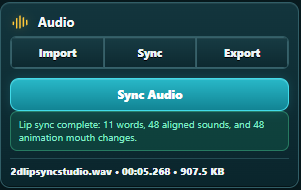
Import your voice recording and add the spoken transcript for your character.
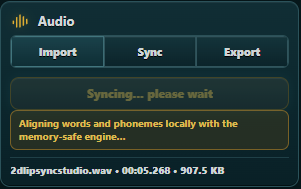
Let 2D Lip Sync Studio align the dialogue, sounds, and editable mouth-shape timing.
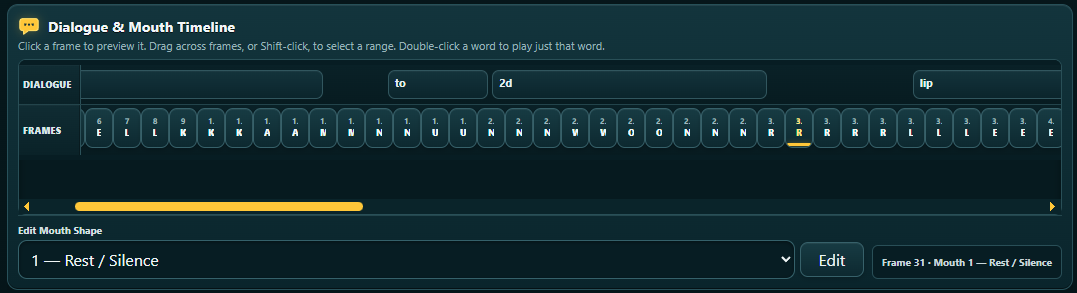
Preview the generated lip sync and fine-tune individual mouth changes or frame timing as needed.
Features
Import recorded dialogue and a transcript, then generate editable mouth-shape timing for your 2D character.
Fine-tune individual mouth changes and frame timing after the initial lip sync is generated.
Preview dialogue, waveform, frames, and mouth animation together while you adjust the sync.
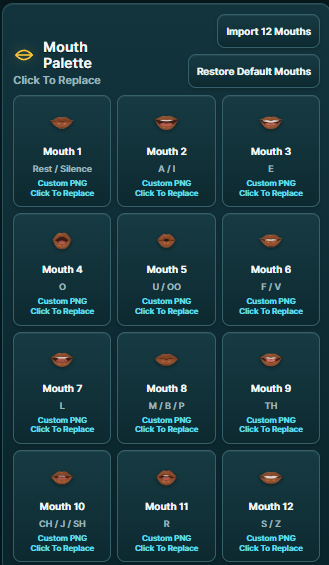
Use the included 12-mouth set or import your own PNG artwork to visually preview the lip sync with mouth shapes that suit your character.
Choose from multiple export formats to fit your animation and production workflow:
A focused workflow designed for animators, illustrators, and creators working with 2D characters.
See It in Action
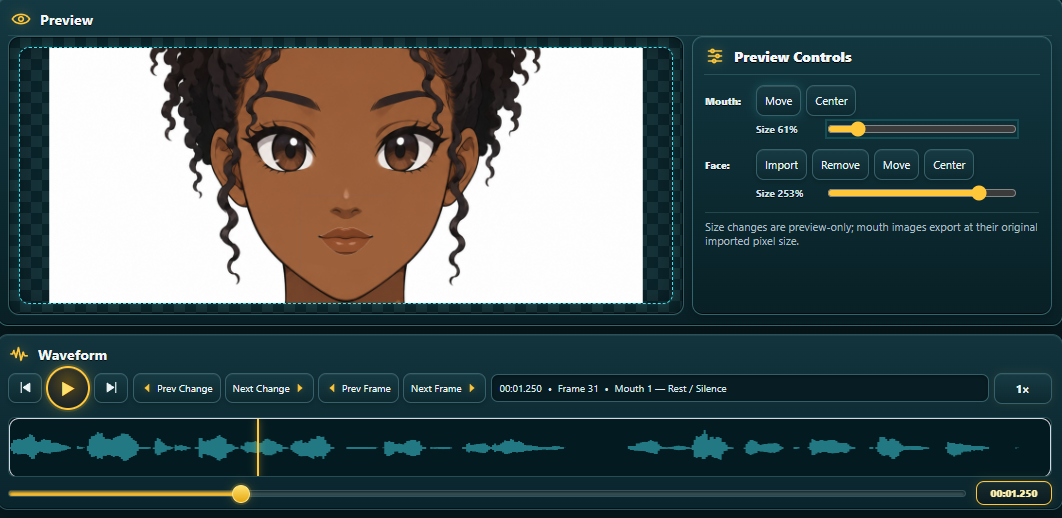
2D Lip Sync Studio keeps your audio, transcript, character preview, waveform, dialogue timeline, and mouth-shape controls together in one focused lip-sync workspace, without the complexity of a full animation suite.
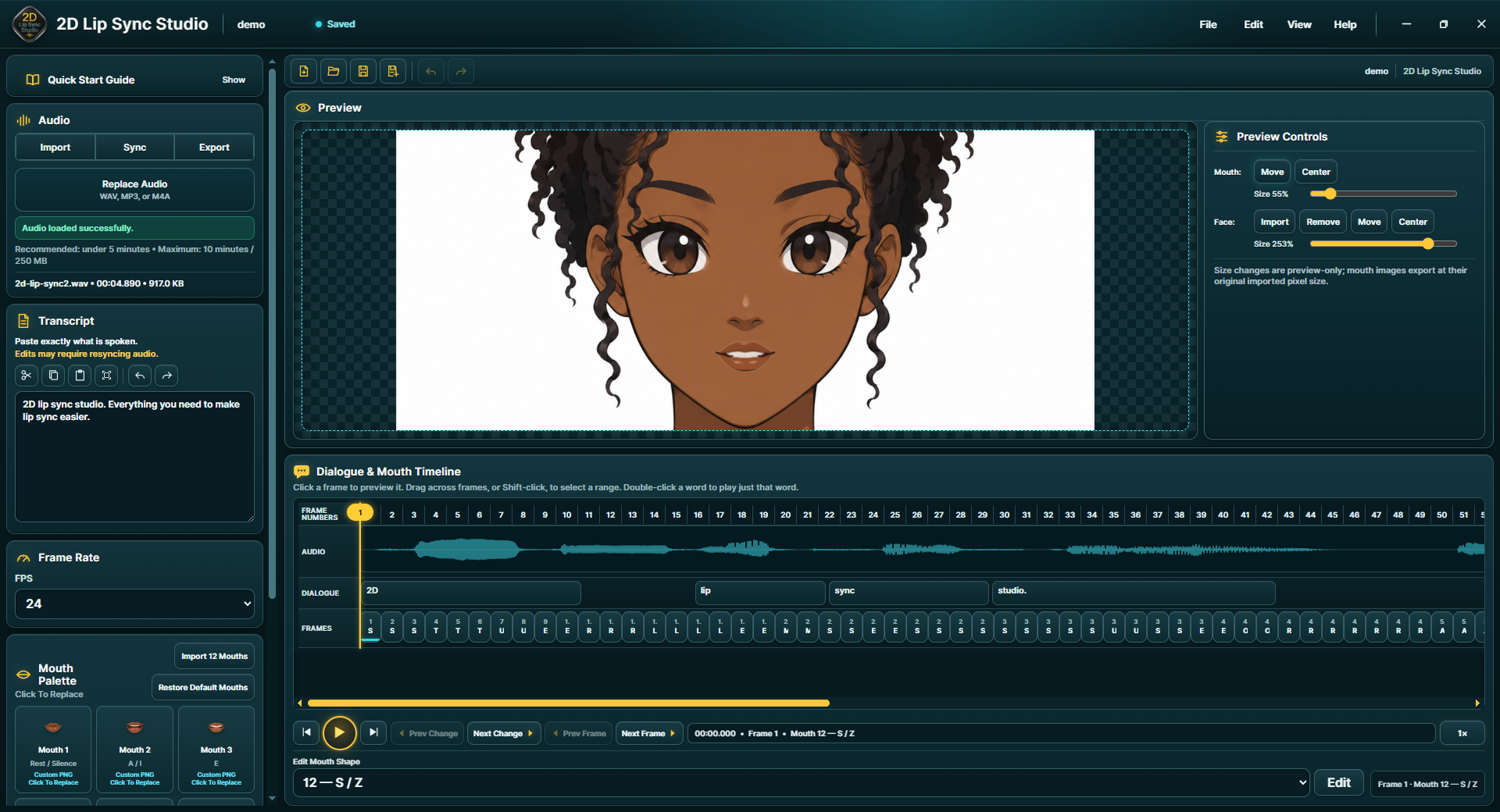
Preview
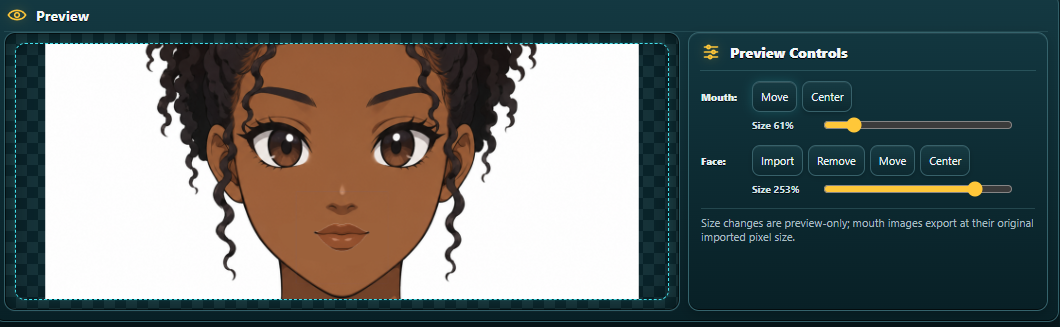
Import a character reference image, position and scale the character and mouth artwork, and preview the generated mouth changes directly on your character before export.
Visual Mouth Preview
Use the included mouth set or import your own PNG mouth shapes to visually preview and fine-tune the lip sync. These mouth images are an editing reference—you don't have to export or use them in your final animation. If your character already has mouth shapes in your animation software, you can export the lip-sync timing data and keep using your existing artwork.
Timing Control
Use the audio waveform, dialogue timeline, frame controls, and mouth-change markers to inspect the generated lip sync and fine-tune individual mouth changes frame by frame.

Built for 2D Creators
Whether you create 2D character animation, animated shorts, web series, talking characters, educational videos, social content or independent animation, 2D Lip Sync Studio is designed to make the dialogue stage easier.
Learn the Software
Learn 2D Lip Sync Studio with short, step-by-step tutorials for audio import, transcripts, automatic lip sync, mouth-shape editing, and export.
Start with your first lip sync, then move on to visual mouth previews, timing adjustments, and choosing the export format that fits your animation workflow.
View Tutorials2D Lip Sync Community
Have a question? Want to see how another animator solved a problem? Or just want to show off something you created?
The 2D Lip Sync Studio community gives users a place to help one another, exchange techniques and share their animations.
Visit the CommunityReady to Animate?
Spend less time working on mouth timing and more time creating the characters, stories and animation you actually enjoy.
Get 2D Lip Sync StudioSimple tools. Faster lip sync. More time to animate.